A simple POS for stalls,
cafes and small kitchens
Kalsa POS runs in the browser on a tablet or phone you already have. Take orders, send them to the kitchen, keep track of stock and see the profit on every dish. We use it every day in our own kitchen at Heningan Pizza.
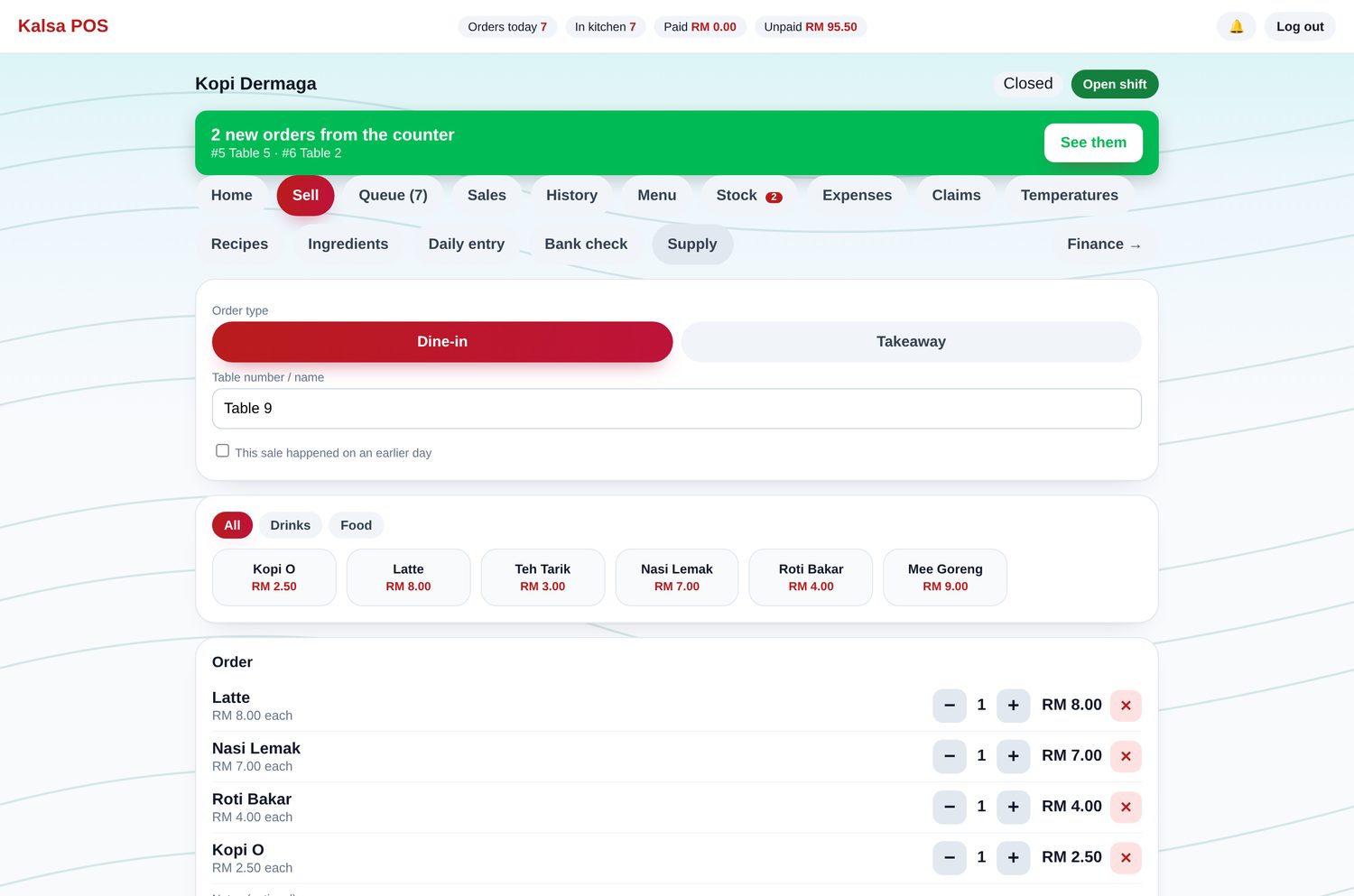
Everything a small kitchen needs
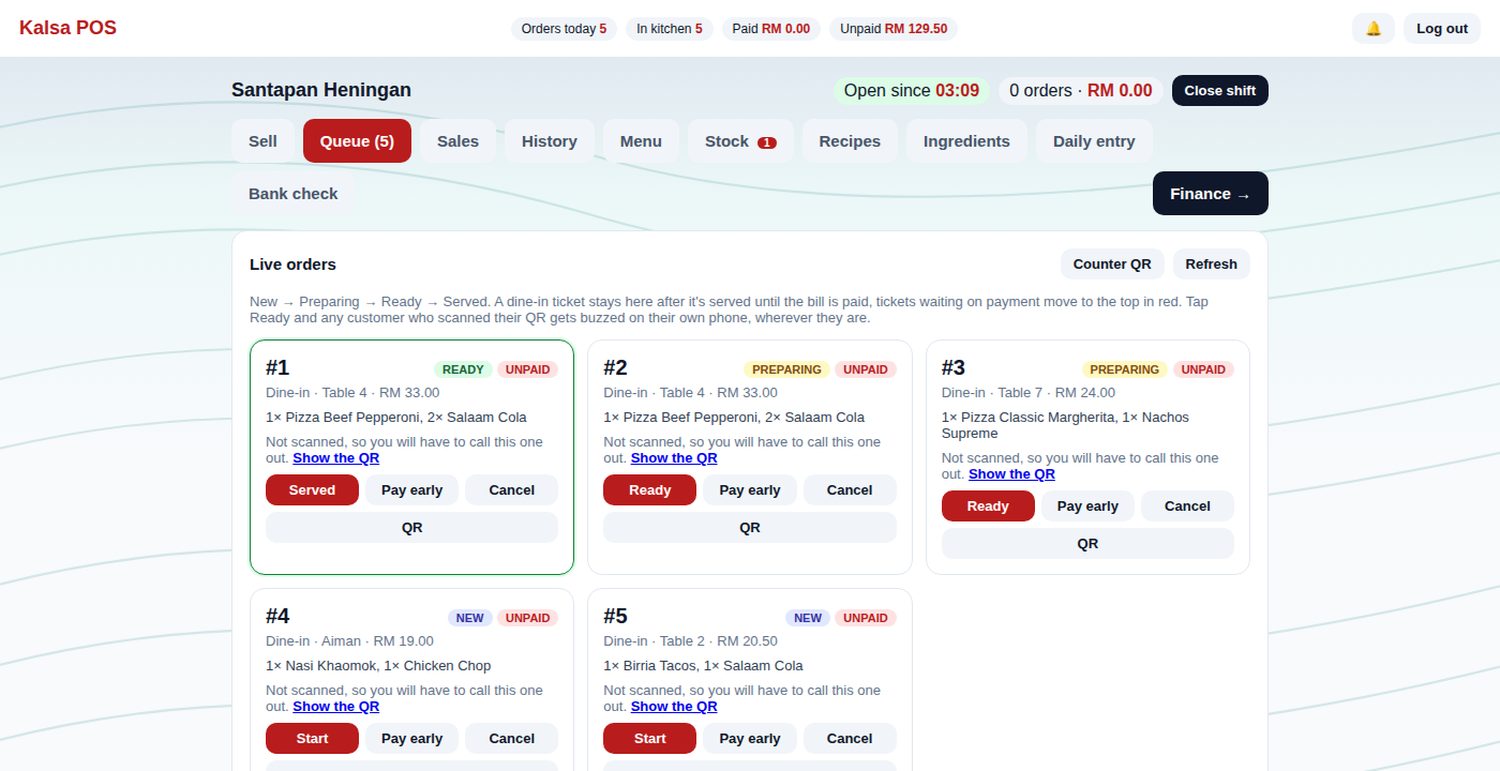
Customers get a buzz when the food is ready
There is no need to buy pagers or call out numbers. The customer scans the QR code on their ticket, and when you tap Ready their phone rings and vibrates. The board also shows which tickets were not scanned, so you know who still needs to be called.
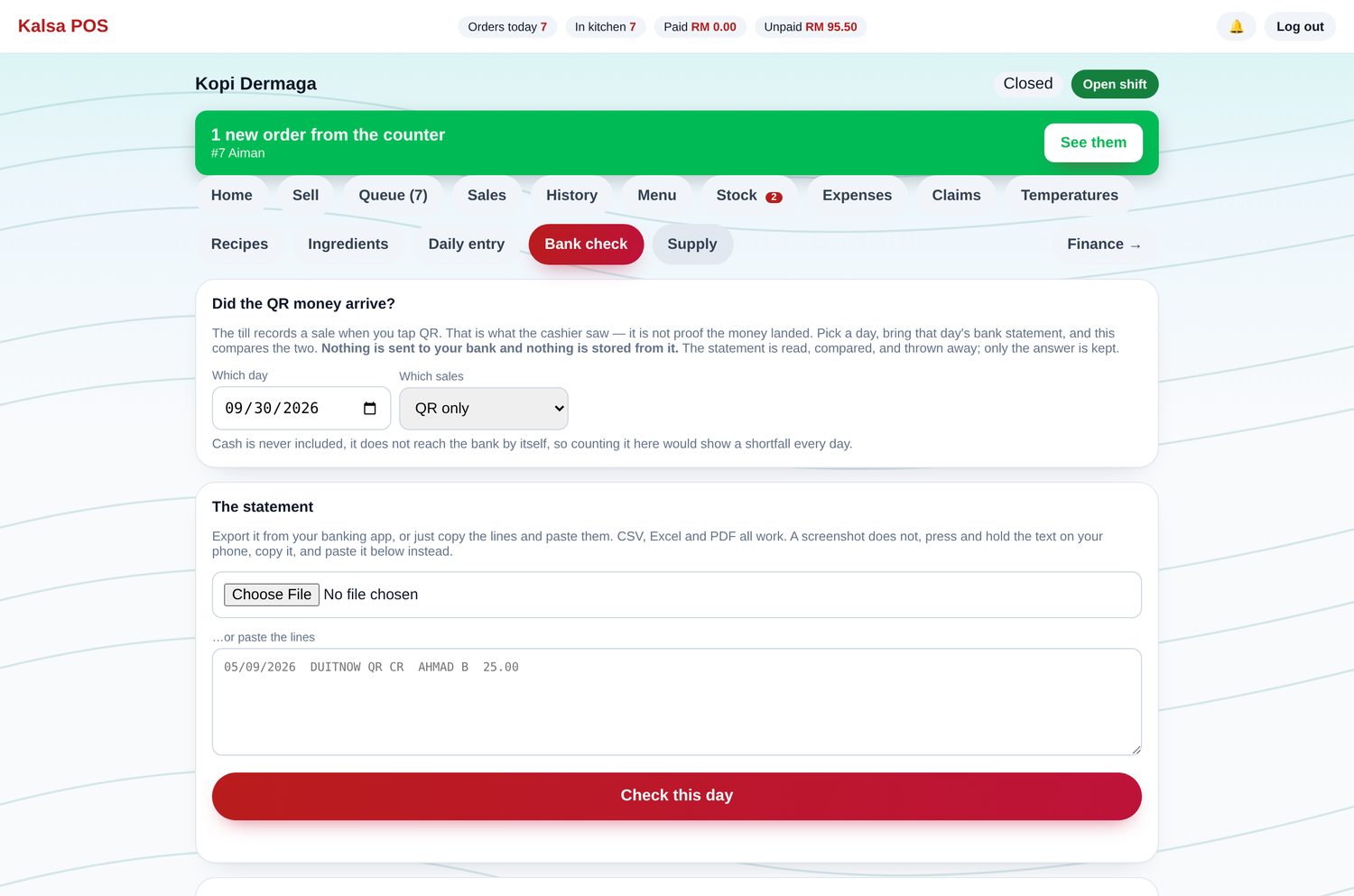
Match your sales with your bank statement
Upload your bank statement or paste the lines from your banking app. CSV, Excel and most PDF statements work. Kalsa POS lists any QR payment that is missing or does not match. Your statement is only used for this check and is not saved.
Customers can follow their order
The order page shows received, cooking and ready. If an order is running late, the page says so, which saves your staff from answering the same question again and again.

Receipts go straight to the customer's phone
After payment, the customer scans a QR code and keeps the receipt. They can save it as a PDF or share it. If they need an e-invoice for a business claim, they request it from the receipt, and you issue it from your own MyInvois account.
Cash, DuitNow QR, card and bank transfer can each be switched on or off in Settings, along with your logo, SSM number, SST details and opening hours.

Before you start
A few things worth knowing, so there are no surprises later.
Frequently asked questions
What do I need to run Kalsa POS?
A tablet, phone or laptop with a modern web browser and an internet connection. Many stalls use a tablet at the counter and a phone in the kitchen.
Which payment methods can I record?
Cash, DuitNow QR, card and bank transfer. You can switch each one on or off in Settings, and switched off methods are hidden at the till.
Does it handle SST and e-invoices?
If you are SST registered, receipts show the SST included in the price. Customers can request an e-invoice from their e-receipt, and you issue it from your own MyInvois account.
Does it work with ORDERje?
Yes. Orders placed at the table go into the same kitchen queue as walk in orders, and your POS menu and photos are used for ORDERje.
Can I use it outside Malaysia?
Yes. Kalsa POS runs in any modern browser, so it works in any country. A few features, such as DuitNow QR and LHDN e-invoice requests, are specific to Malaysia. We set it up with you online.
How much does it cost?
It depends on your business. Tell us what you run and we will send a quotation. You can try it at your own counter before you pay.
We set it up with you
We load your menu and prices, set up recipes if you want them, and train your staff. In Malaysia we can come to your shop. Anywhere else, we set it up with you online.
Kuantan, Pahang / Shah Alam, Selangor · 012-3454520